Enhance employee experience with an
AI-powered HR help desk
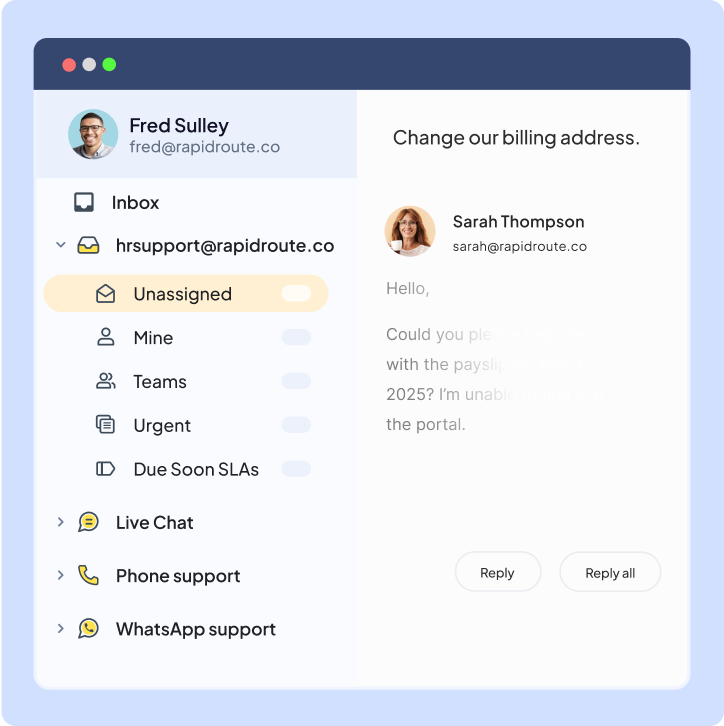
Streamline all HR communication across employee onboarding, payroll inquiries, hiring, and offboarding in a unified inbox.
Get unlimited users on the Free plan ✦ No credit card needed
Customer service, Finance & IT teams across 2,000+ companies trust Hiver





Trusted by 10,000+ teams globally








All your HR workflows in one place
Recruitment
From employee applications to new hire onboarding, easily streamline end-to-end HR communication with Hiver.
Talent Management
Effectively collaborate with Legal, Finance, and IT. Streamline onboarding and offboarding by assigning tasks and tracking them.
Employee help desk
Track, route, categorize, and resolve requests about payroll, reimbursements, and more, right from your inbox.
Simple and powerful helpdesk for HR teams
Streamline HR communication
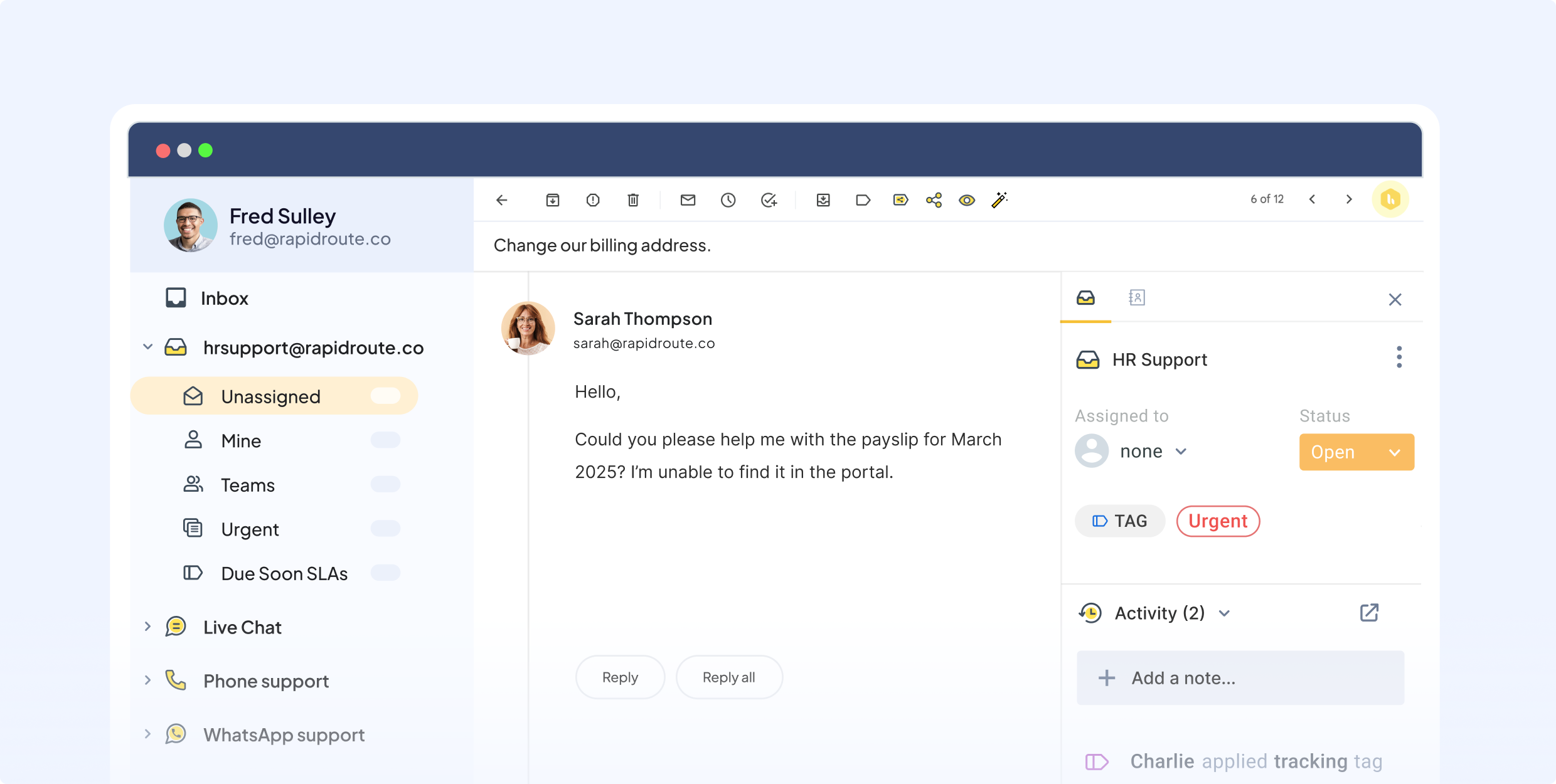
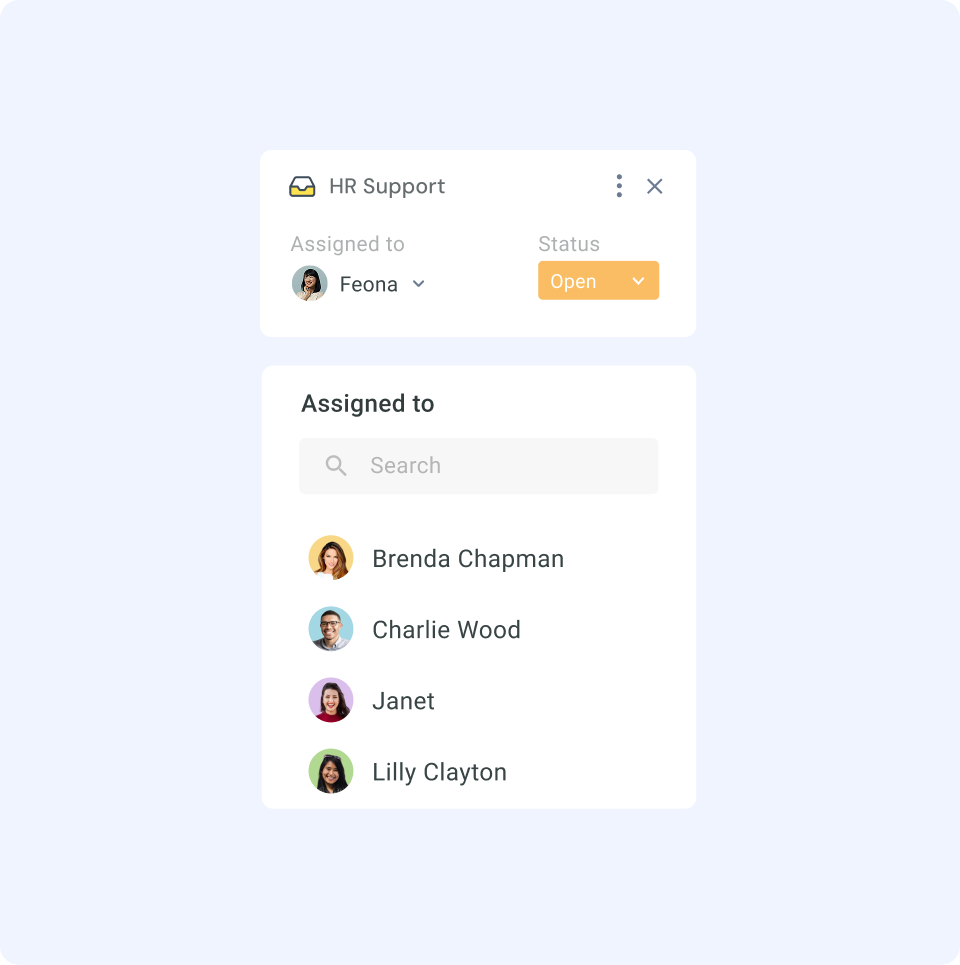
Funnel chats and emails from Talent@, HR@, and Jobs@ as tickets in a team inbox. Achieve clear ownership of every message, quickly check statuses, and avoid duplicate work.
Set up a self-service portal
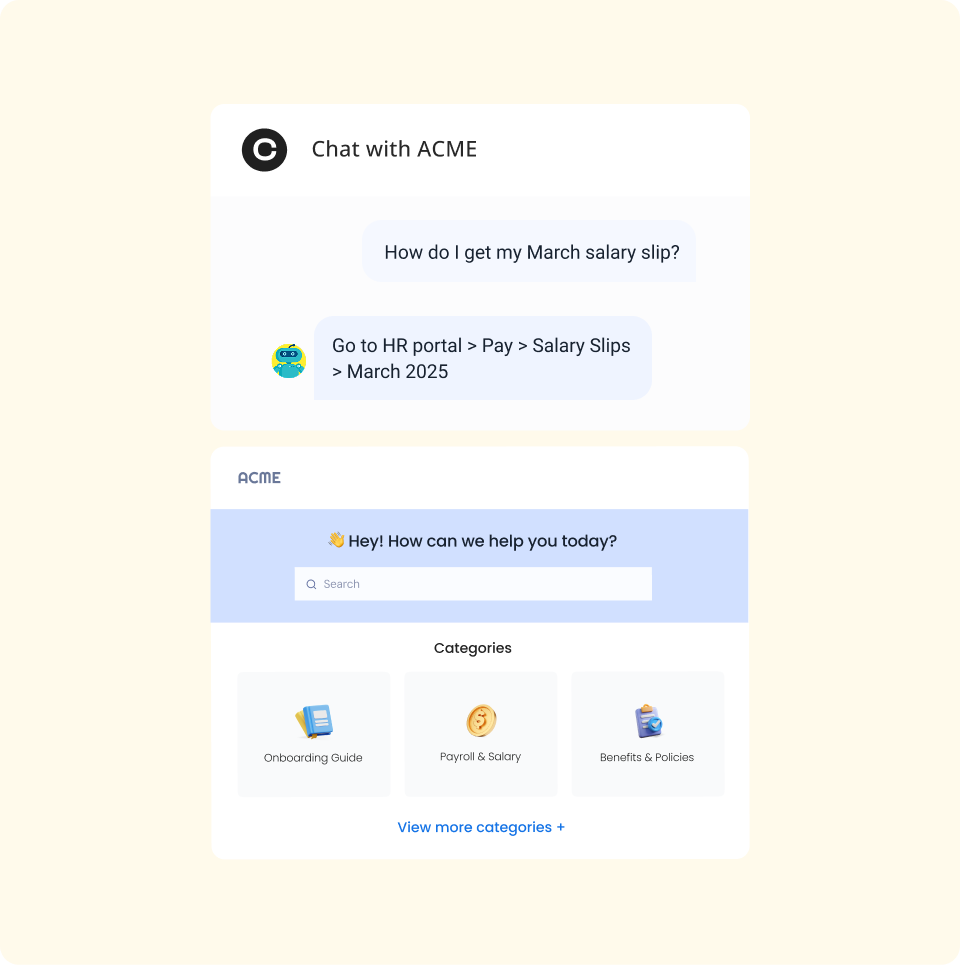
Set up an AI-powered Chatbot, Knowledge Base, and self-service portal for your employees. Deflect repetitive queries with an AI agent that responds automatically using your internal SOPs.
Effortlessly collaborate across teams
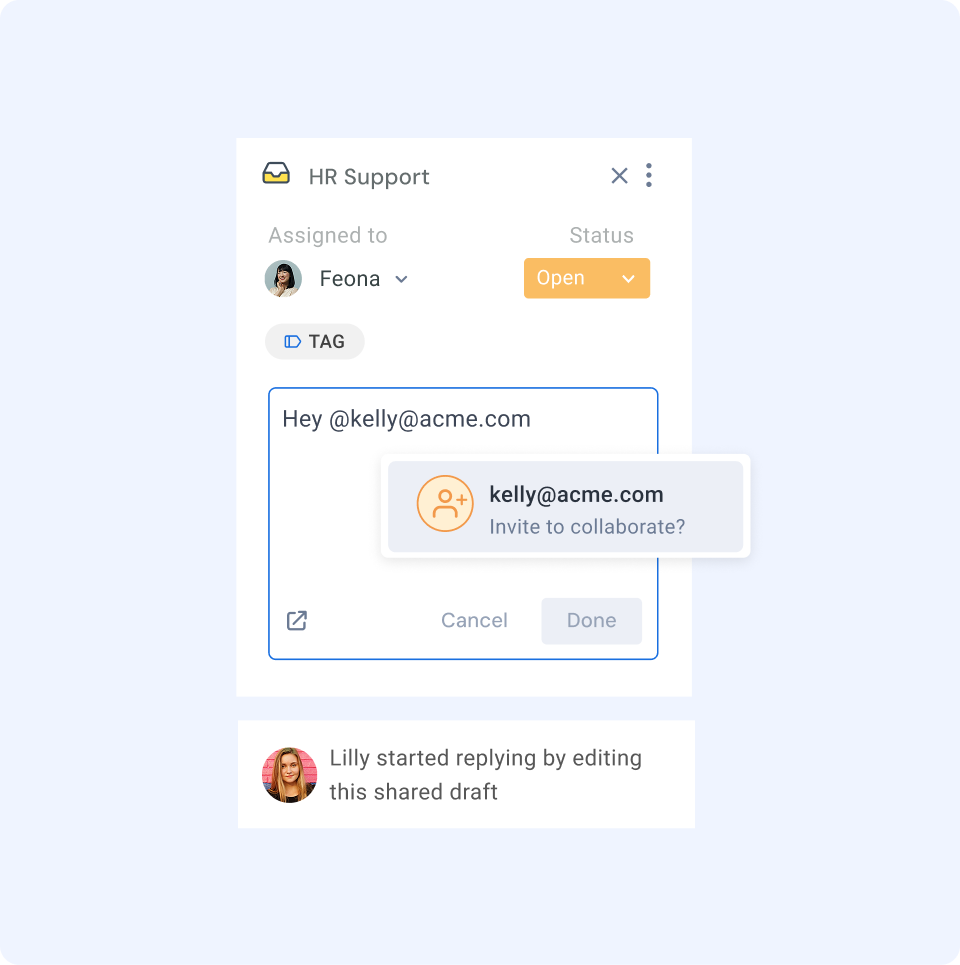
Easily collaborate with your team using internal notes and @mentions. Need help from IT or Finance regarding asset dispatch or payment? Simply write a note to the relevant person using @mention.
Automate the grunt work
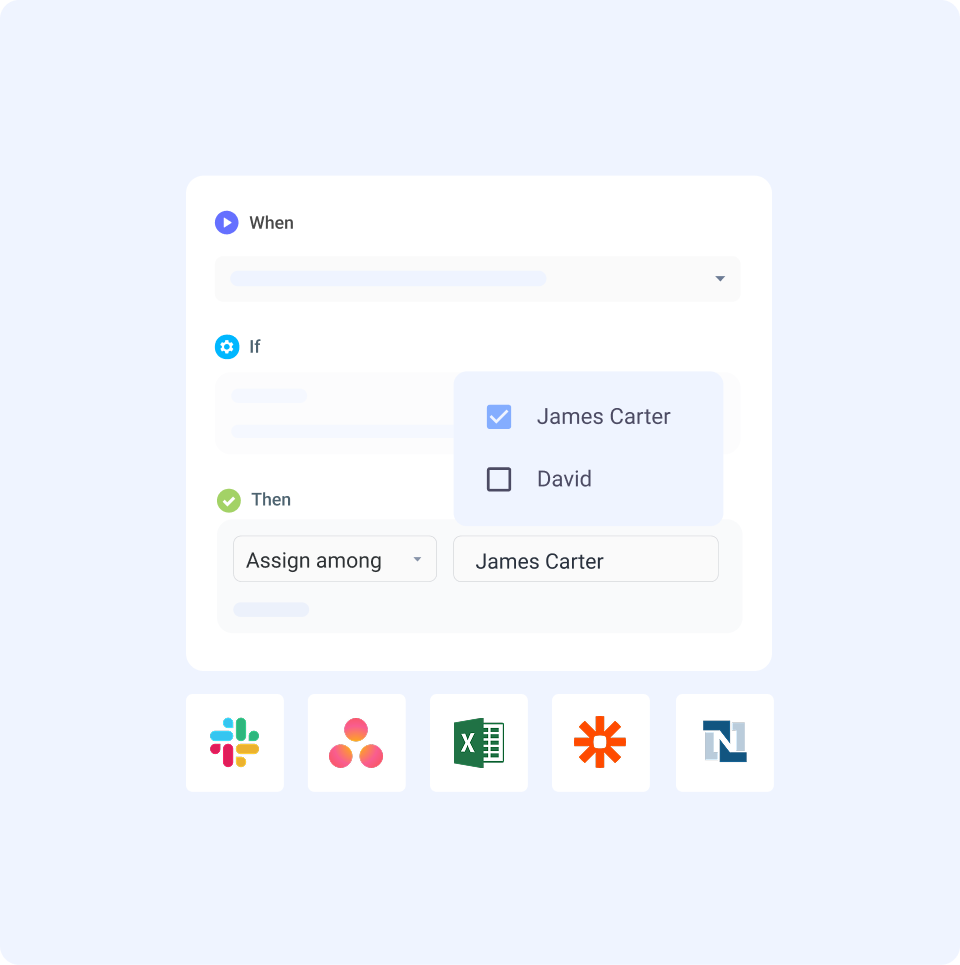
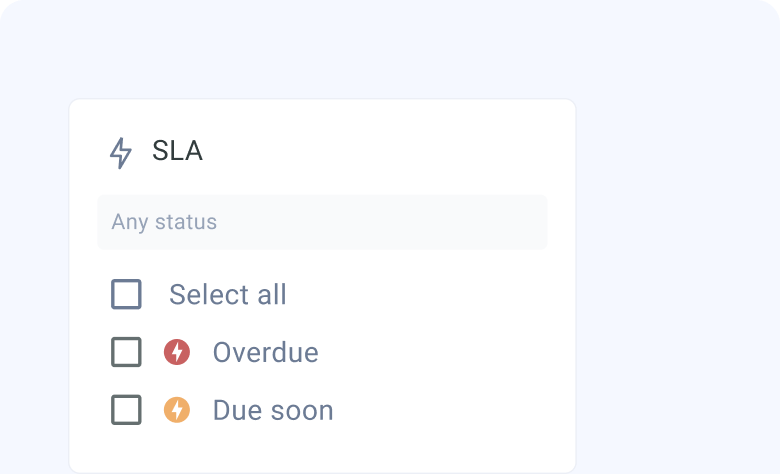
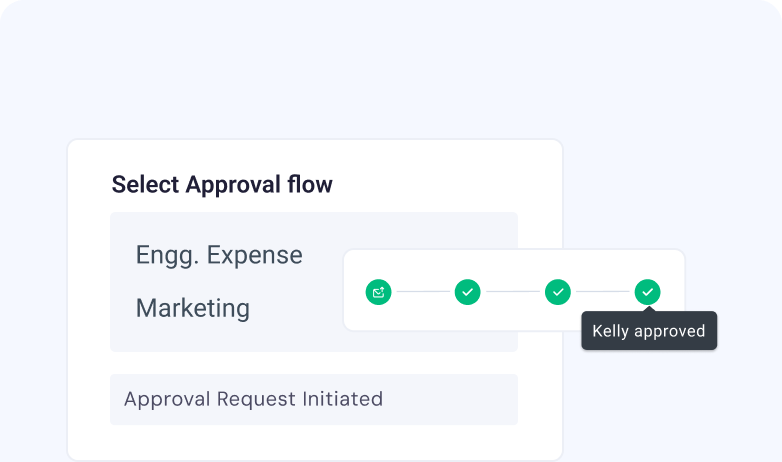
Build workflows to auto-route and categorize requests, trigger approvals, and create escalation rules to drive faster resolution. Integrate with 100+ apps, including HRMS, for a complete view of your employee data.
Make decisions with data-driven insights
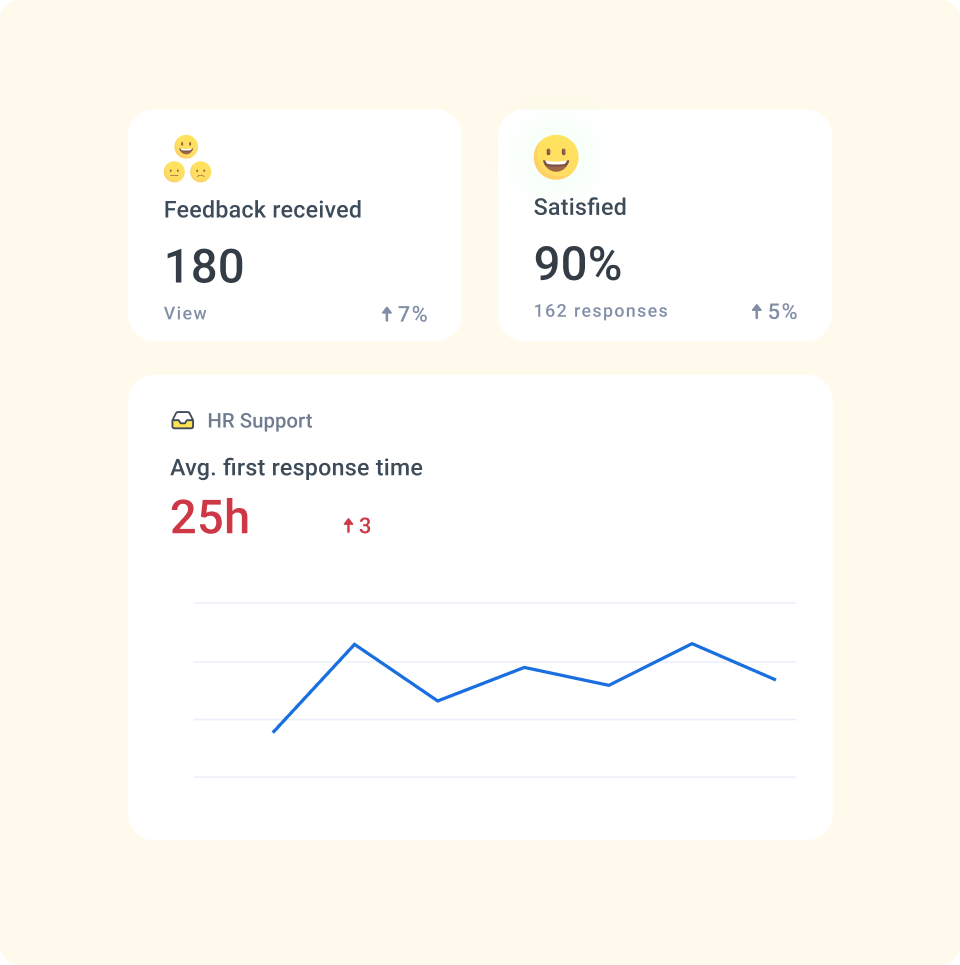
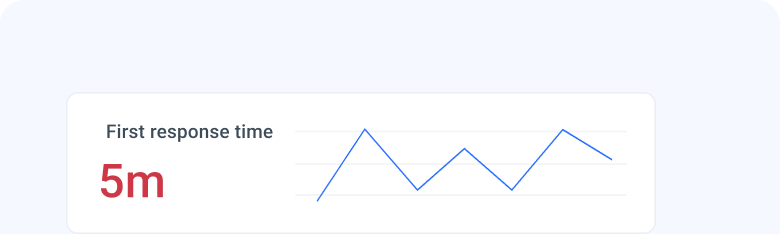
Track key metrics like workload, email volume, request types, response times, and resolution times. Customize reports and dashboards to share insights with your team.
The complete HR help desk for you
Shared Inbox
Organize, assign, and track queries efficiently to ensure nothing gets missed.

Collision detection
Avoid duplicate work or conflicting responses by seeing who’s working on a query in real time.

Integrations
Connect with 100+ apps to bring in customer data and manage tasks inside Hiver.


Explore why brands love Hiver










Frequently Asked
Questions
How does the 7-day free trial work?
When you sign up, you instantly get access to our Elite plan for 7 days. We will email you when your trial expires. You can then select a plan and pay by credit card to continue using the product. If you choose not to continue, your account will be suspended.
Which features can I use during the trial?
You get access to the Elite plan during your trial, which means you can use Hiver without any limits, and can also experience the best support we have to offer.
What happens at the end of my trial period?
If you do not upgrade your Hiver account during your trial period, your account will be suspended at the end of your trial. You can re-activate your account by upgrading within 7 days from the date of the end of your trial.
Do I need a credit card to sign up?
No, you do not. You will only be required to produce your credit card information when you upgrade to a paid subscription.
How do I import my existing emails to my Hiver shared inbox?
If you’d like your emails to be imported to your Hiver shared inbox, please write to us on support@hiverhq.com and we will assist you with the process. The duration of the import process depends on the number of emails to be imported.
Do I need to pay for all the users in my Google or Outlook account?
No. You just pay for the users you enable to access Hiver. You can control this from within Hiver and change the users at any time. If you add new users to your Google or Outlook account, you can easily add them to Hiver.
10,000+ HR teams trust Hiver. Your turn.
Streamline workflows and improve productivity by connecting Hiver with tools and apps of your choice.
Unlimited users on Free plan ✦ No credit card needed