

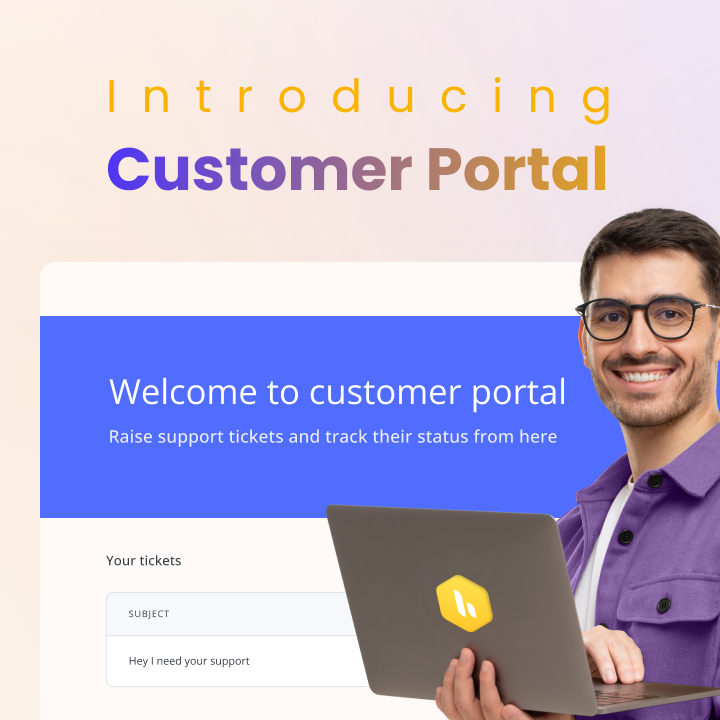
In today’s world, a seamless and efficient customer support experience is table stakes. While interacting with any business, customers expect to have a way to easily submit queries, raise issues, track their progress, and find solutions conveniently.
With Hiver’s newly launched feature – Customer portal you can now enable a self-service experience for your customers. By adopting this newly released feature you can give your customers a portal to raise and track the status of issues all via an intuitive, browser-based portal.
3 reasons to enable a Customer portal for your customers today:
1. Quick and easy query submission for your customers
Say goodbye to the email ping-pong! The user-friendly interface of the Customer portal lets your customers submit their issues/queries. In the issues being raised by your customers, you can define required fields, and even enable your customers to share attachments such as images/screenshots. With such features, you can reduce the back and forth and ensure your team receives all information from your customer for seamless issue investigations.
2. Keep your customers updated with changes on raised queries
Customer portal offers a centralized hub where your customers can track the progress and status of all their queries. They’ll know exactly what’s happening with their query/issue at all times.
3. One-stop solution to track all the past and new issues
We know cluttered and lengthy email threads can be a nightmare! Customer portal keeps all communication related to queries/issues organized in one place. This means no more digging through endless emails from your customers to find past information.
Get started today!
Ensure customer delight and a frictionless support experience, while eliminating communication chaos with Customer portal. If you haven’t tried out Customer portal yet, you can get started today and empower your customers with a self-service one-stop portal to submit and track their queries.
Here is a detailed guide that explains how to use Hiver’s Customer portal. If you’re new to Hiver, set up a free trial and explore how the Customer portal and Hiver’s other powerful features deliver a delightful customer experience.














