

Email is one of the primary communication tools for businesses. But when you have to deal with a large influx of emails on a daily basis – from customers, vendors, colleagues, and others – it is important to have a system in place for managing them effectively.
But sometimes managing emails can be a major time sink. Imagine having to sift through numerous messages just to figure out which ones are important and which ones aren’t – all whilst you have hundred other priority tasks to complete.
This is where an email management virtual assistant can help.
This article will help you understand why email management is necessary and how a virtual assistant can simplify the process of managing emails. Let’s dive in.
Why Do We Need Email Management?
Having to sift through a cluttered inbox at work brings down efficiency.This is where the power of email management comes in. It helps with:
- Saving time and increasing productivity: With an average professional receiving 100+ emails a day, organizing your work inbox becomes incredibly important to stay on top of things and be productive.
- Ensuring important emails aren’t missed: Proper email management ensures that important emails are segregated from unimportant ones and are addressed promptly.
- Protecting sensitive information: It is important to regularly clean up old emails and attachments to reduce the risk of sensitive information falling into the wrong hands. With increasing cyber threats, managing and organizing emails is not just about efficiency but also about security.
- Enhancing decision making: Efficient email management allows you to quickly access the needed information, making decision-making smoother and more informed.
But if you are someone who receives hundreds of emails on a daily basis – be it from internal or external stakeholders – email management can feel a bit of a tedious task.
That’s where you can benefit from a virtual assistant.
Easy to use email management tool
- Collaborate with ease
- Manage high email volume
- Leverage AI for stellar service
Role of Virtual Assistants in Email Management
An email management virtual assistant can organize, categorize, prioritize, and even respond to emails on your behalf. Virtual assistants (VAs) can also help with:
- Filtering and Unsubscribing: VAs actively manage email subscriptions, ensuring that only relevant content reaches your primary inbox. They filter out spam emails, promotional content, and unwanted newsletters, ensuring a clutter-free email experience.
- Setting Up Template Responses: For recurring queries or standard communications, a VA can set up template responses. This streamlines the response process, saving time and maintaining consistency.
- Ensuring Security Vigilance: Given the rising cybersecurity threats, an email management virtual assistant will employ best practices, like alerting you to potential phishing emails, nudging you to regularly update passwords, and ensuring the use of trusted and secure connections. These steps are crucial for identity theft protection and maintaining overall security.
- Regularly Updates With Summaries: To keep you in the loop, VAs can provide daily or weekly summaries of your email account. This ensures you remain informed without being bogged down by the volume of emails.
Tips for Email Management Using a Virtual Assistant
Now that it’s clear that virtual assistants can significantly help you with email management, here are some tips to make the most of their expertise:
1. Choosing the Right Virtual Assistant
Finding a capable virtual assistant is like just getting a super efficient side-kick.
- Choose a VA according to your business needs and industry. For example, if you run an e-commerce business, choose a virtual assistant that has expertise in handling customer service emails.
- Evaluate their communication skills. A quick email test or sample task can provide insight into this. When it comes to email management, strong email etiquette is non-negotiable. You’d want someone who can handle both praise and complaints gracefully and respond accordingly.
- Before finalizing, discuss your expectations to ensure a smooth partnership. Conveying your needs clearly and getting to know about their approach towards email management can help you determine the right fit.
2. Delegating Email Management Tasks to the Virtual Assistant
After onboarding your VA, guide them according to your and your business’s needs to ensure optimal inbox management.
- Decide if they’re categorizing, responding, or doing both, and then guide them clearly. Set clear expectations and outline the tasks.
- Communicate about the urgency of the types of emails. For example, client emails can be immediately flagged, but newsletters can be grouped together and discussed later.
- Design a labeling system with your assistant. For example, use labels like “Urgent” for emails that need immediate action and “Follow-up” for email conversations that need weekly check-ins.
- Keep communication lines open with your virtual assistant. Regular sync-ups help adjust and refine processes.
3. Organizing and Filtering Emails
With the right processes, your virtual assistant can ensure every email is in its proper place.
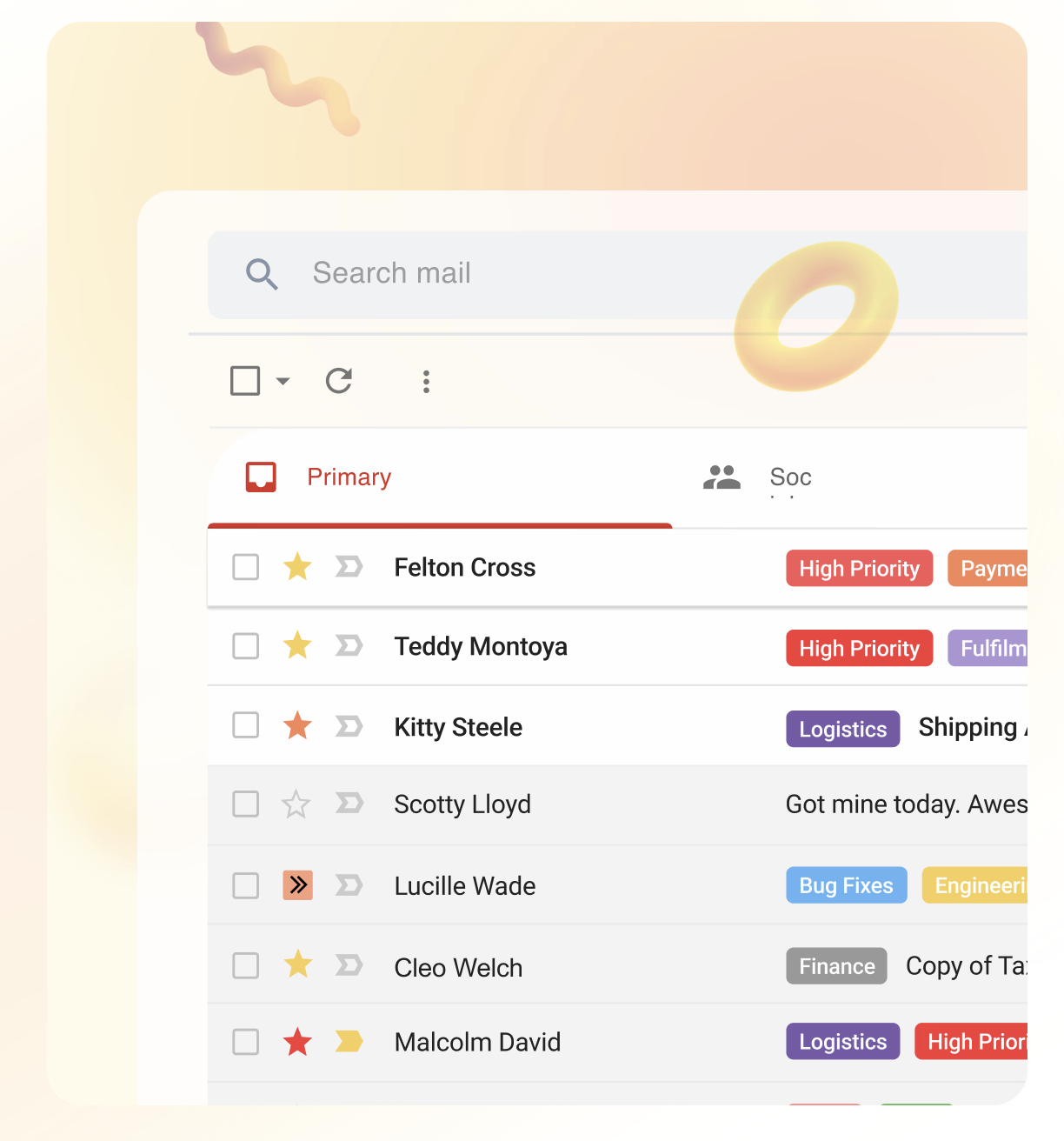
- Ask the VA to categorize emails based on content. For example, they can use a separate folder for invoices, one for client communications, and one for internal team updates.
- Create automatic gmail filters. This can help direct promotional emails to a “Promotions” folder automatically so that your main inbox stays clutter-free by collecting only important messages.
- If you are a Gmail user, ask the VA to make the most of Gmail’s advanced search options. For example, from the gmail account, search for phrases that are most relevant to your business (e.g., “contract,” “urgent meeting”) so that emails that show up in the search results and need attention can be moved to a designated folder.
- Gmail settings also allow you to set custom notifications. Ask your VA to explore email settings so that you notified in case of priority emails.
- Delete or archive old emails. This will help in scanning important emails faster.
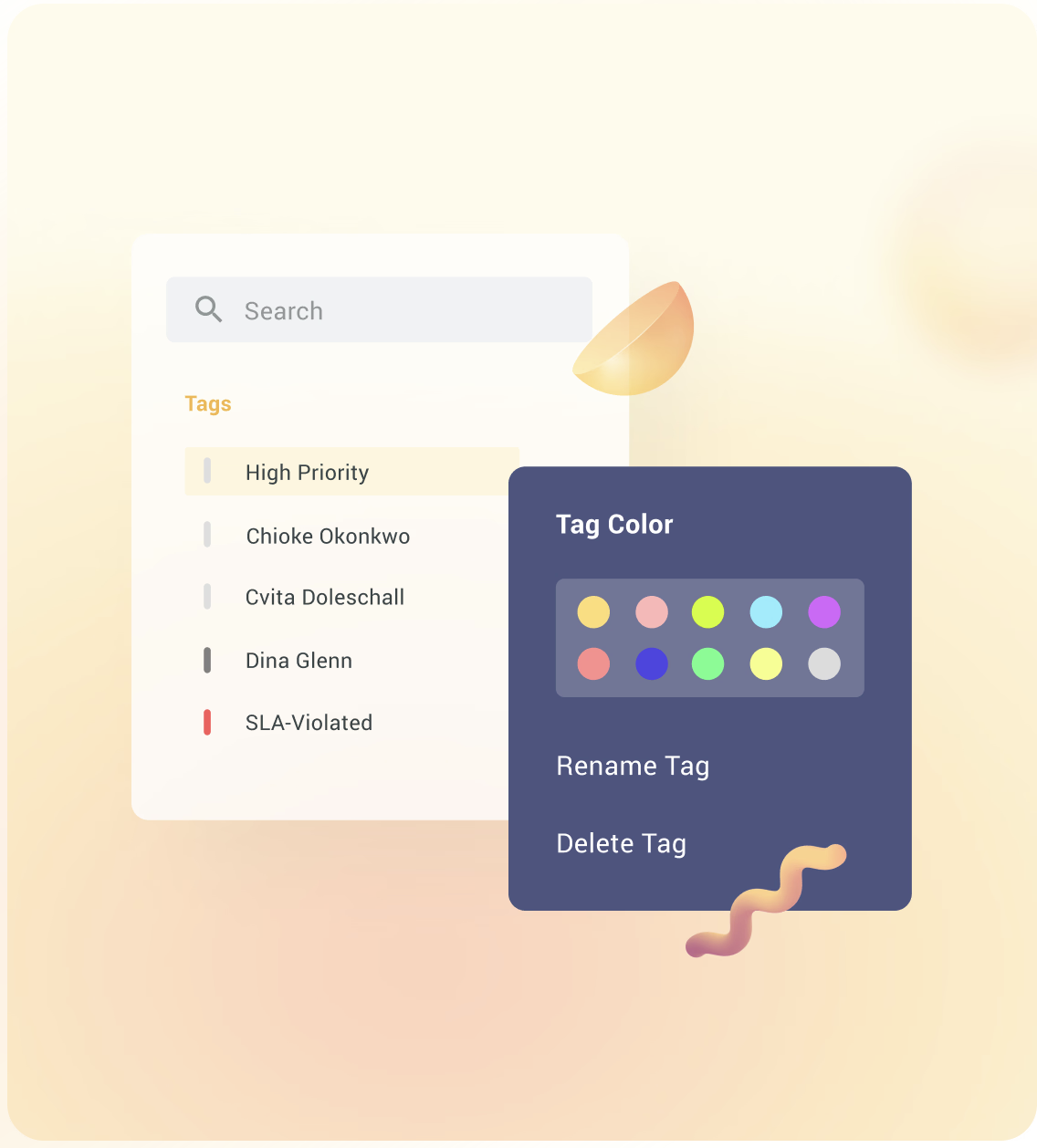
- Create colour-coded priority email tags. For example, labels can be colour-coded as per urgency: red for “Immediate,” yellow for “This Week,” and green for “General.”
4. Managing Subscriptions
Your email management virtual assistant can help in filtering out noise from your mailbox by only letting in important communication.
- It’s important to periodically review subscriptions. Have your VA assess which subscriptions add value and which don’t. For instance, you may want to keep receiving those industry newsletters but unsubscribe to sales promos not relevant to your business.
- Ask your assistant to unsubscribe promptly whenever necessary. If a newsletter hasn’t been opened in months, it’s time to let it go.
- Organize subscriptions. This can be done by creating folders like “Industry News” or “Competitor Updates.”
- Opt for digests. Instead of daily updates, switch to weekly or monthly digests. For example, if you have a daily news alert, ask your virtual assistant to change it to a weekly roundup.
Recommended reading
5. Drafting Responses and Follow-Ups
Your email management virtual assistant can help you with sending timely replies and follow-ups with your customers, vendors, and other stakeholders.
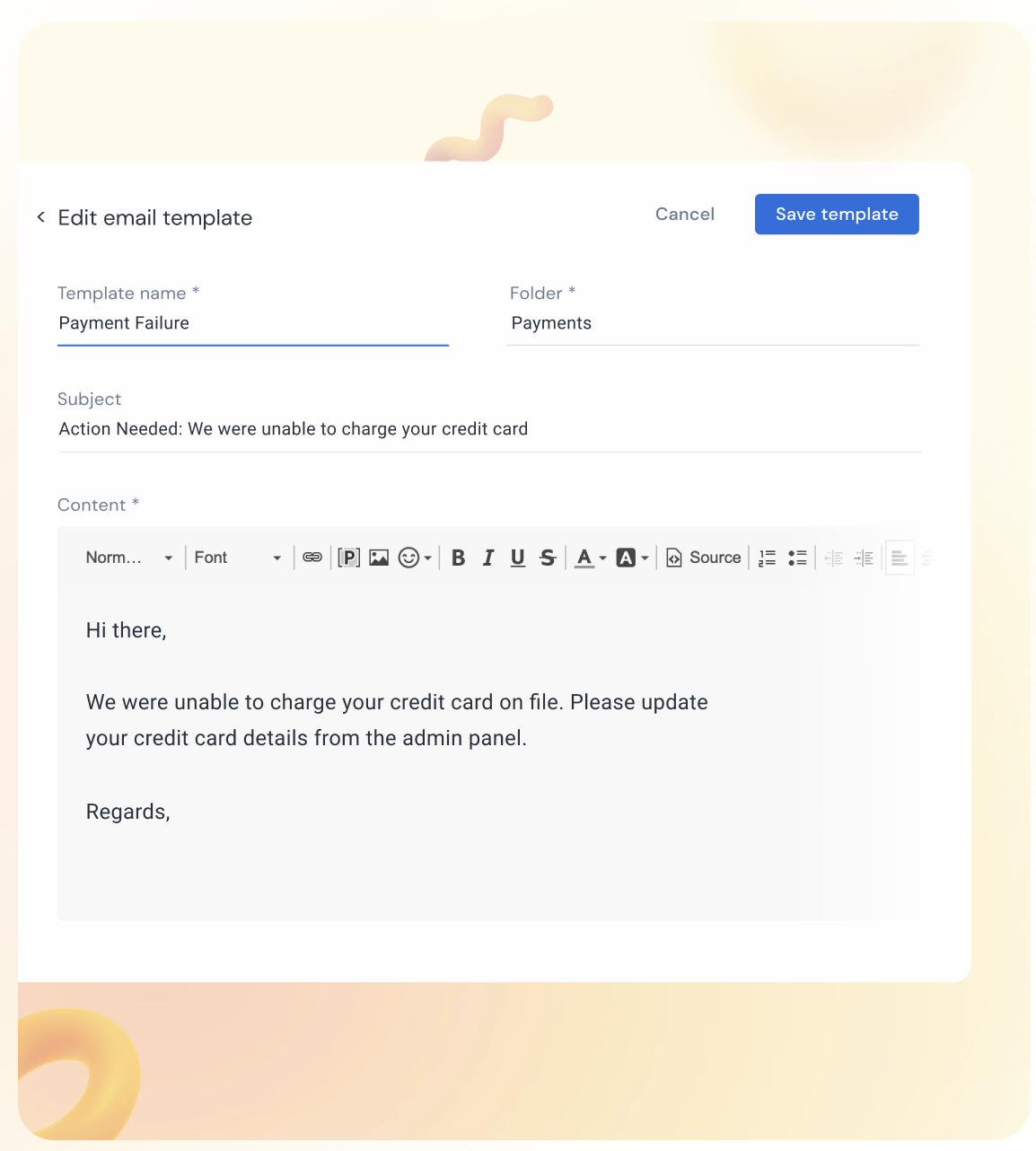
- You can create and store templated responses and ask your assistant to use them for common emails – like inquiries or acknowledgments. For instance, an acknowledgment template can look like “Thanks for reaching out. We’ll review and get back shortly.“
- While it’s okay to use templates, some inquiries deserve a tailored response. For instance, it’s the difference between “Thanks for writing to us” and “Thank you, Mrs. Smith, for your feedback on our new product line.” Help your VA understand the difference and ask them to send emails accordingly.
- Instruct your VA to set reminders for emails that need follow-up. For example, if a client promises a document next week, a reminder will ensure that it’s not forgotten.
- Once the virtual assistant settles in, encourage them to draft email templates on your behalf. Share past email exchanges to help them understand your communication style.
- Regularly review drafts and provide feedback to offer direction and refine their email writing skills.
- Ask your assistant to keep a record of common questions and their answers. This helps in creating a library of frequently asked questions (FAQs), which saves a lot of time.
6. Monitoring and Measuring Your Virtual Assistant’s Success
Tracking your virtual assistant’s performance is important. It ensures that they are meeting your expectations and helping you achieve your business goals.
- Set clear benchmarks. Define what success looks like. Is it a cleaner inbox? Quicker response times? Higher customer satisfaction rates ?(applicable when the VA is handling customer queries)
- Use analytics to measure response time and resolution time against email volume to gauge the progress.
- Regularly ask your team or clients about their experience in communicating with the virtual assistant via email. Was their tone appropriate? Were their responses timely and helpful? These will give you important insights.
- Review performance regularly. Schedule monthly or quarterly check-ins to discuss what’s working and what needs improvement.
Sometimes the virtual assistant can be an email management tool
The role of an email management virtual assistant is undeniably valuable to any business. But in many cases, you can use tools to do what a virtual assistant does.
For instance, an email management tool like Hiver can help you with all of the following:
- Categorize email conversations – based on type or priority – using labels or tags.
- Create, save, and share email templates with your team. This can be helpful for handling commonly asked questions.
- Set up rule-based automation for mundane and repetitive tasks, such as assigning and tagging emails.
- Leverage AI functionalities such as AI Co-pilot to get ready-made response drafts.
The best part is Hiver has a forever-free plan that can help you manage your inbox like a pro!
Sounds interesting? Try it for free














