


Most businesses today have a dedicated email ID for customer support. The reason for that – email is one of the most popular customer support channels.
So, how do you manage the influx of customer emails? How do you assign queries, prioritize customer issues, and provide quick responses?
This is where having the right email support software can make a huge difference.
But, with so many different options available, it can be a difficult task to decide which email support tool would be the best fit for your business.
That is exactly why, in this article we talk about some of the popular email support solutions available in the market. We highlight their top features and elaborate on how they can help your specific business needs.
But before we dive into the list, let’s briefly understand what an email support software is.
What is email support software?
An email support software, also known as a help desk or ticketing system, is a tool designed to manage and streamline customer support interactions via email. It provides businesses with a centralized platform to handle customer inquiries, requests, and issues efficiently and effectively.
An email support software helps businesses streamline and enhance their customer service via email. It efficiently organizes, prioritizes, and resolves customer inquiries, transforming conventional email inboxes into robust customer support systems.
[cta_block]
Top 7 Best Email Support Software Platforms
Here is a quick comparison of some of the best email support software platforms available in the market.
| Email Support Software | Features | Pricing |
|---|---|---|
| Hiver | Shared inboxes Email assignment Email tags Email templates Multichannel support Analytics and reporting | Free plan available. Paid plan starts at $19/user/month |
| LiveAgent | Ticket management Live chat Knowledge base Social media integration Call center | Starts at $9 per user per month |
| Help Scout | Shared inbox Collision detection Email tracking and analytics Integration capabilities Saved replies | Starts at $20 per user per month |
| HappyFox | Email ticket threads Ticket management Automations Knowledge base | Starts at $26 per user per month |
| Freshdesk | Email notification automation Multichannel support Omniroute Automation Self-service portals | Starts at $29 per user per month |
| Zendesk | Multichannel support Ticket management Automations Self-service Analytics | Starts at $55 per user per month |
| HubSpot Service Hub | Customer portal Knowledge base Live chat Email template | Starts at $800 per month for 3 users |
1. Hiver
Hiver is an email support software that offers an incredibly easy solution for managing your customer support.

Instead of asking your team to switch back and forth between different platforms and tools, Hiver operates directly within Gmail. This smart integration turns your familiar email platform into a powerful helpdesk without a steep learning curve or complicated setup process.
It provides you with knowledge base for self-service, chat for live interactions, and shared inboxes for efficient email handling. All these features streamline and enhance your customer service experience.
Key Features
- Email Assignment: Automatically assign customer emails to your teammates so that the workload is evenly distributed. You can also define an ‘Assignment Limit’ to ensure that every team member works at their optimal capacity without being overwhelmed.
- Shared Inboxes: You can create shared inboxes for different departments like support, sales, etc. Team members can be added to these inboxes and they will be able to access all the emails arriving in them. This ensures that everyone has access to these emails – be it from customers or vendors – at all times.
- Email Tags: Hiver tags are a great way to organize your emails by type or priority. You can create customized, color-coded tags and use automations to assign them to incoming emails. For instance, all queries containing the word ‘billing’ can be tagged as ‘Payment’ and be forwarded to the finance department.
- Email Templates: Hiver allows you to save and share responses to common queries as email templates. You can use them to provide faster responses to repetitive business queries. For instance, you can create a structured email template to help your agents offer a standardized response any time a customer inquiry comes in. you can create and share an email template with your agents that they can use anytime they have to answer queries related to billing address.
- Analytics and reports: Hiver’s robust analytics allow you to track various customer support metrics such as CSAT, response times, resolution times, and more. You can use these insights to identify bottlenecks and understand how to improve your support process.
- Multi-channel support: In addition to email support, Hiver brings other support channels such as live chat, WhatsApp, and voice communication inside your inbox. Your team can also set up a knowledge base using Hiver.

Pricing :
Hiver offers a free plan that helps you manage customer support at zero cost. The paid plans start at $19/user/month.
2. LiveAgent
LiveAgent‘s help desk software also allows you to offer prompt email support.
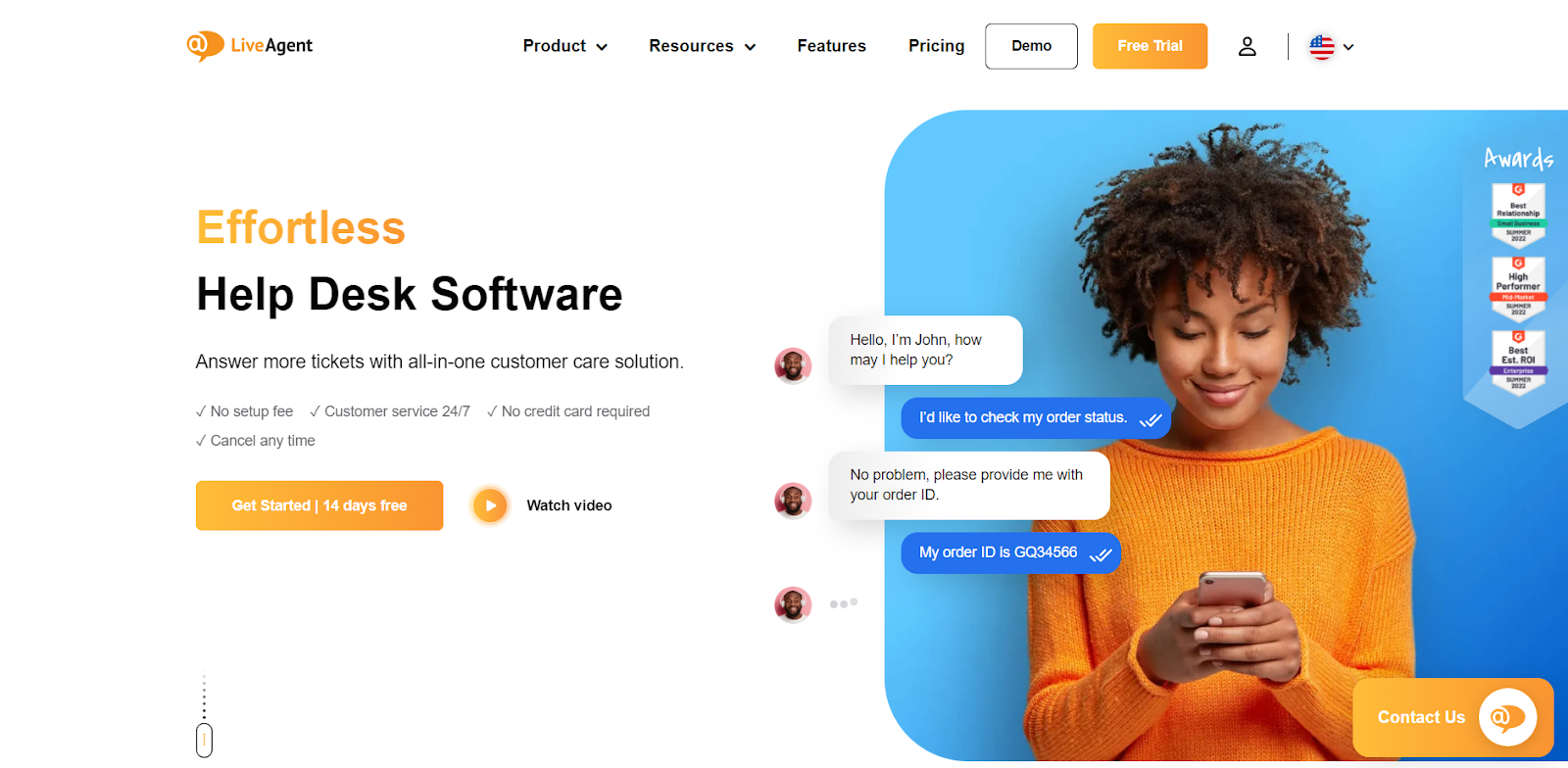
In addition to email, support teams can manage various other channels such as live chat, social media, and voice from LiveAgent’s unified dashboard.
Aside from this, LiveAgent also offers features such as automations, self-service capabilities, and time tracking.
Key Features
- Ticket Management: The platform converts all incoming queries into tickets that can be assigned to different agents. You can track progress and monitor how quickly tickets are being resolved.
- Live Chat: Integrate a live chat widget into your website. Customize the chat button, pre-chat form, and chat window so that they match your brand’s identity.
- Knowledge Base: LiveAgent’s knowledge base can be used to create FAQs, forum posts, help articles, and how-to guides to help customers find answers to common queries by themselves.
- Social Media Integration: Connect all your social media accounts to LiveAgent. This allows you to monitor and respond to customer queries and mentions on platforms like Facebook and Twitter.
- Call Center: LiveAgent also offers an integrated call center which allows you to make and receive customer calls from its dashboard. Calls can be recorded and saved so that you can refer to them later.
Pricing
LiveAgent’s pricing starts at $9 per agent per month. You can also avail a free 30 day trial.
3. Help Scout
Help Scout is a customer support tool that provides businesses with an efficient and streamlined system to handle customer emails.
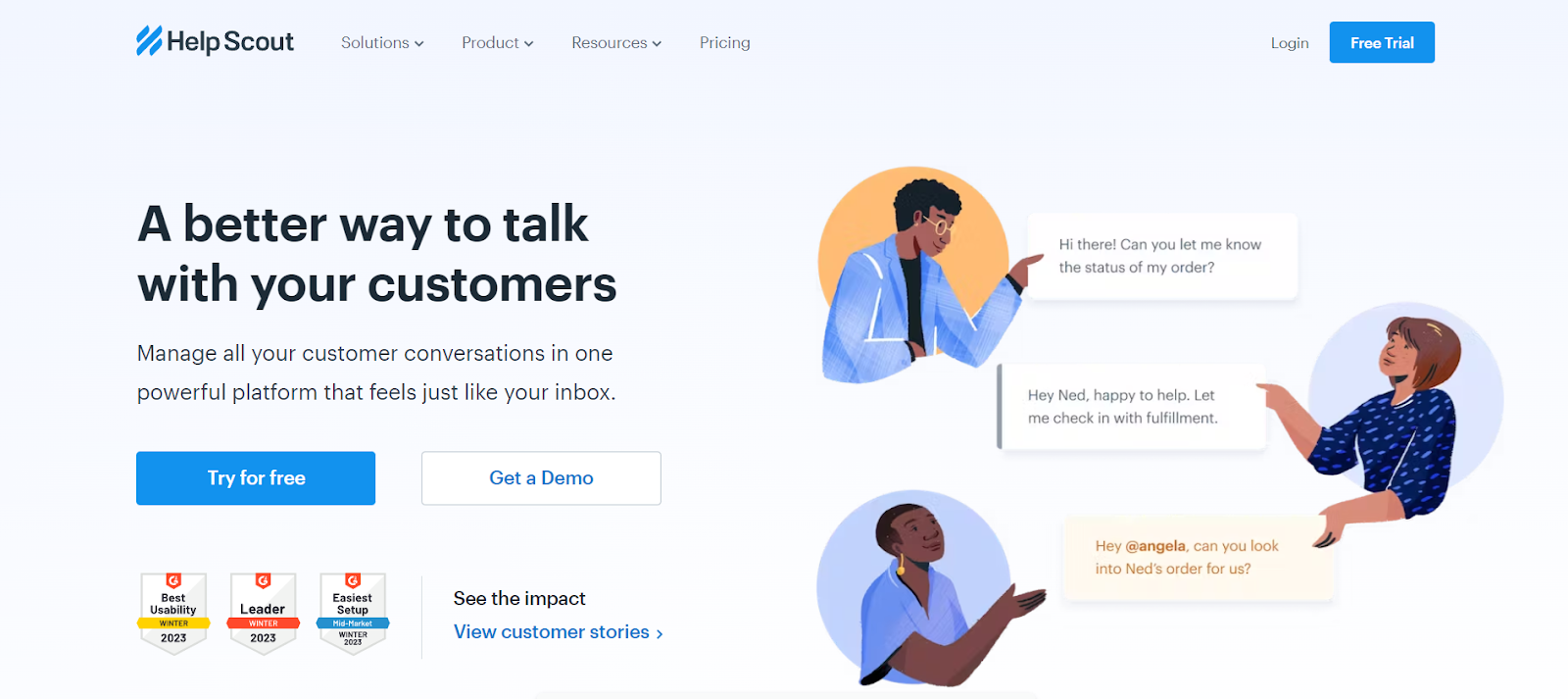
It comes with a user-friendly interface and several powerful features such as Shared Inbox, AI summarizer, internal notes for collaboration, and more.
Key Features
- Shared Inbox: Help Scout’s shared inbox solution helps you manage group emails such as support@, sales@, payroll@, and more. Teams can assign, track, and collaborate on all emails that arrive in their inboxes.
- Collision Detection: Receive alerts in real-time whenever another teammate is viewing or replying to an email. This prevents conflicts when responding to customer emails
- Email Tracking and Analytics: Get actionable insights into how your customer support team is performing by tracking metrics such as response time, ticket volume, and CSAT ratings.
- Integration Capabilities: Help Scout integrates with various third-party CRMs, project management apps, and collaboration tools.
- Saved Replies for Quick Responses: Help Scout allows support agents to create templated responses for common customer queries. This way support agents can use these templates while responding to a customer. This saves time and allows agents to provide consistent responses to customers.
Pricing
Help Scout’s pricing starts at $20 per agent per month. There is a free 15 day trial as well.
Top 10 Help Scout Alternatives for Businesses
4. Happy Fox
HappyFox’s customer service software helps businesses provide top-tier support efficiently.
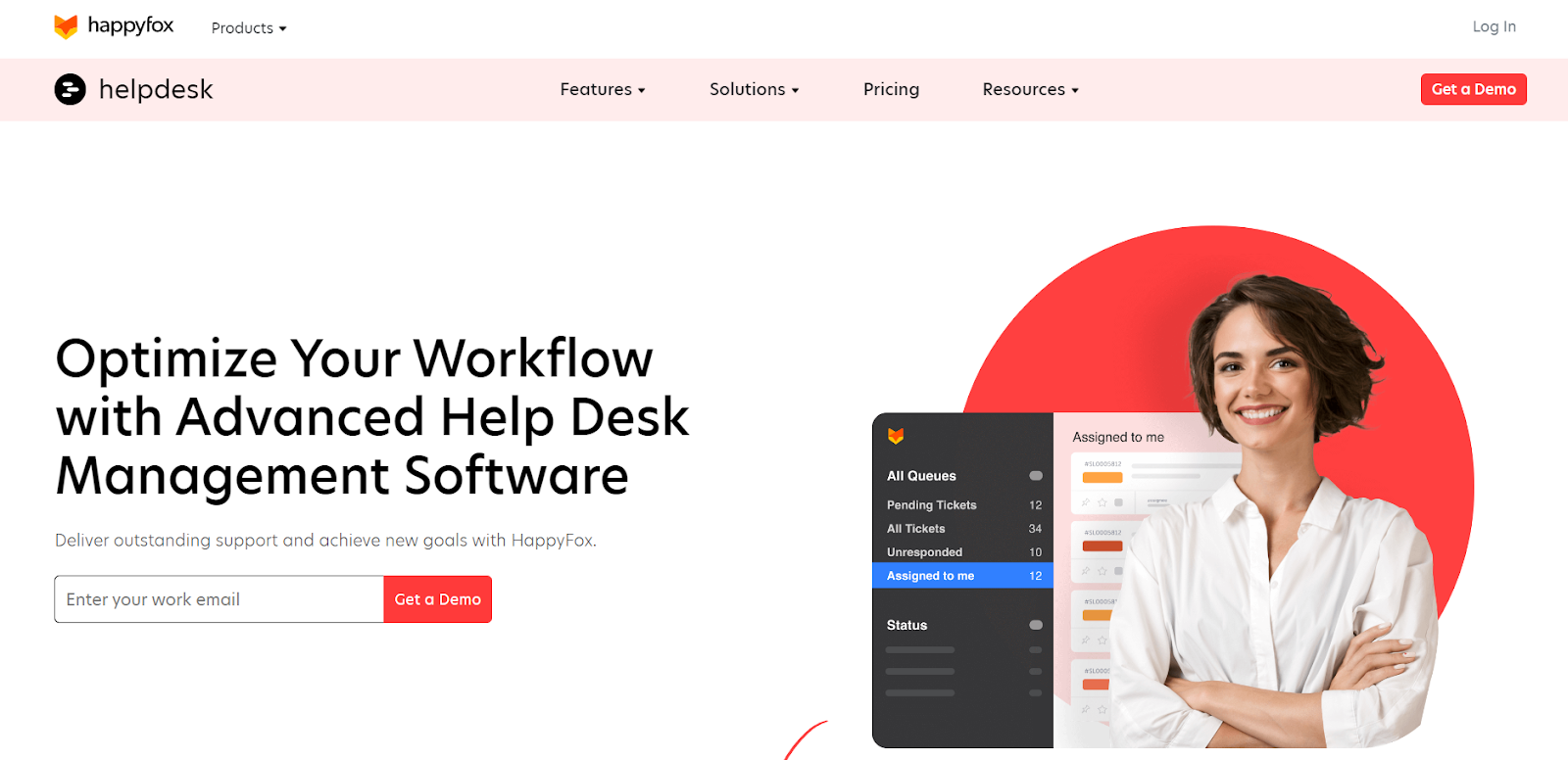
HappyFox’s customer service software helps businesses provide top-tier support efficiently. It’s comprehensive suite of features includes ticket management, canned actions, automations, task management, and more.
It also enables support agents to provide effortless email customer support. HappyFox can sort incoming emails, categorize them, and convert them into tickets.
Key Features
- Ticket Management: Turn incoming support queries from various channels into tickets. These tickets can then be assigned to different agents so that every incoming query is accounted for and nothing slips through the cracks.
- Email Ticket Threads: HappyFox helps you organize all your email replies in a timeline. You can view the ticket status and the actions performed on each ticket. This way you are able to stay on top of every customer query.
- Automations: The Smart Rules feature allows you to define certain conditions so that an automated reply is triggered for repetitive business queries. This saves your agents time and effort and allows them to focus on complex queries.
- Knowledge Base: Easily create and categorize help articles, guides, and FAQs to help customers find answers to common queries. This empowers customers to find answers quickly, without relying on customer support.
Pricing:
HappyFox’s pricing starts at $26 per agent per month. The platform also has a plan for unlimited agents starting at $1149 per month.
5. Freshdesk
Freshdesk is a customer support software developed by Freshworks.
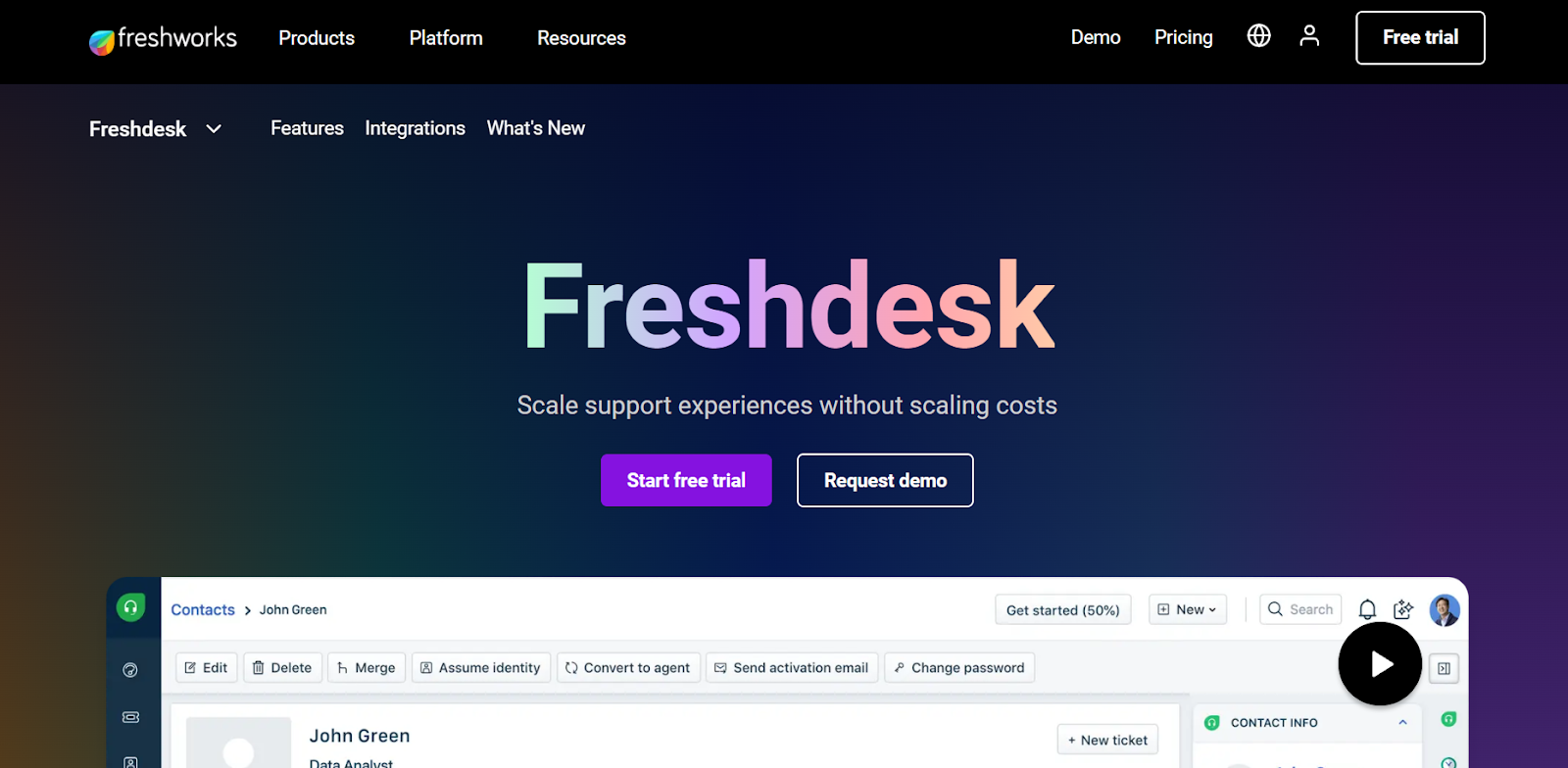
This tool allows businesses to streamline their customer conversations across multiple channels including email, phone, chat, and social media. It provides features such as ticketing, self-service portals, and automation capabilities, making it a viable solution for customer service needs.
Key Features
- Multi-channel Support: Manage customer conversations across channels from a single place. Convert every interaction into tickets and assign them to the appropriate team members for efficient resolution.
- Email Notification Automation: This feature automatically keeps customers and agents informed about any updates or changes in ticket status.
- Omniroute™ Feature: Intelligently distribute emails and other queries to agents based on their workload and capacity.
- Automation: You can use Freshdesk’s AI – Freddy to improve agent efficiency. The bot can analyze a customer query to understand intent and automatically suggest responses from your help articles. It also comes with a ‘Thank You’ detector to detect customer responses and close resolved tickets.
- Self-Service Portals: You can use Freshdesk to create knowledge bases and FAQs to help customers find answers to their questions. This is quite helpful in deflecting repetitive queries and in providing prompt assistance.
Pricing
Freshdesk;s pricing starts at $29 per agent per month. They also have a forever free plan with limited features
6. Zendesk
Zendesk is a good option for large businesses and enterprises that have complex support requirements and want to engage with customers across multiple channels.
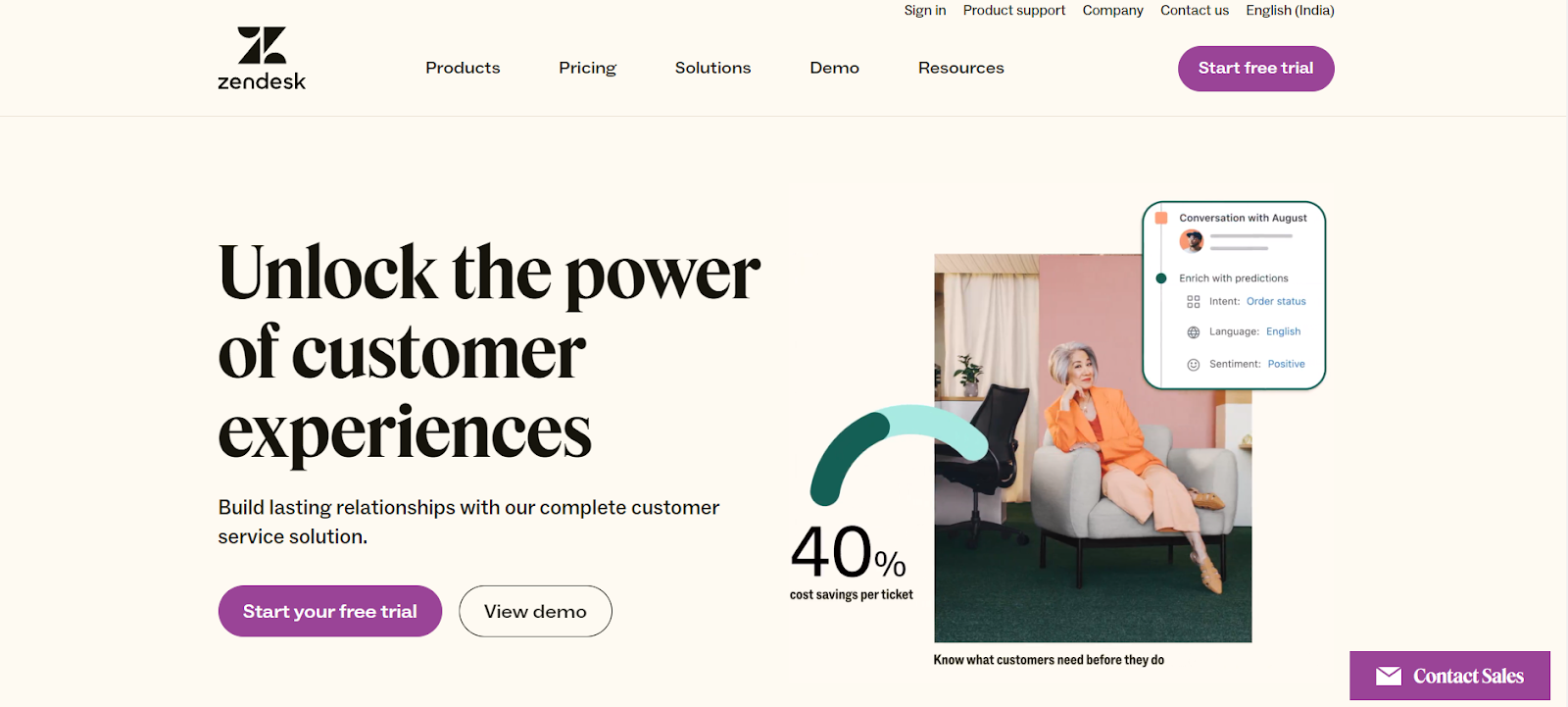
The platform offers email ticketing capabilities which enables support teams to convert incoming emails to support tickets and track them till the point of resolution.
Key Features
- Set Up Channels: Integrate your email, chat, phone, and social media platforms with Zendesk. This will help you manage all customer interactions from a single place.
- Ticket Management: Convert customer inquiries into tickets. You can then categorize, prioritize, and assign these tickets to different team members based on their expertise or workload.
- Automations and Triggers: Utilize automation and triggers to streamline your customer support. Automations perform time-based actions, while triggers respond to ticket changes.
- Self service: By offering a self-service portal, Zendesk empowers customers to resolve their own issues, leading to increased customer satisfaction and a lighter workload for the support team.
- Analytics: Zendesk provides robust analytic tools that you can use to monitor performance, identify problem areas, and make informed decisions to optimize their customer support strategy.
Pricing
Zendesk’s pricing starts at $55 per agent per month.
7. Hubspot Service Hub
HubSpot Service Hub is a platform that helps businesses streamline their customer service processes, increase customer satisfaction, and turn customers into promoters.
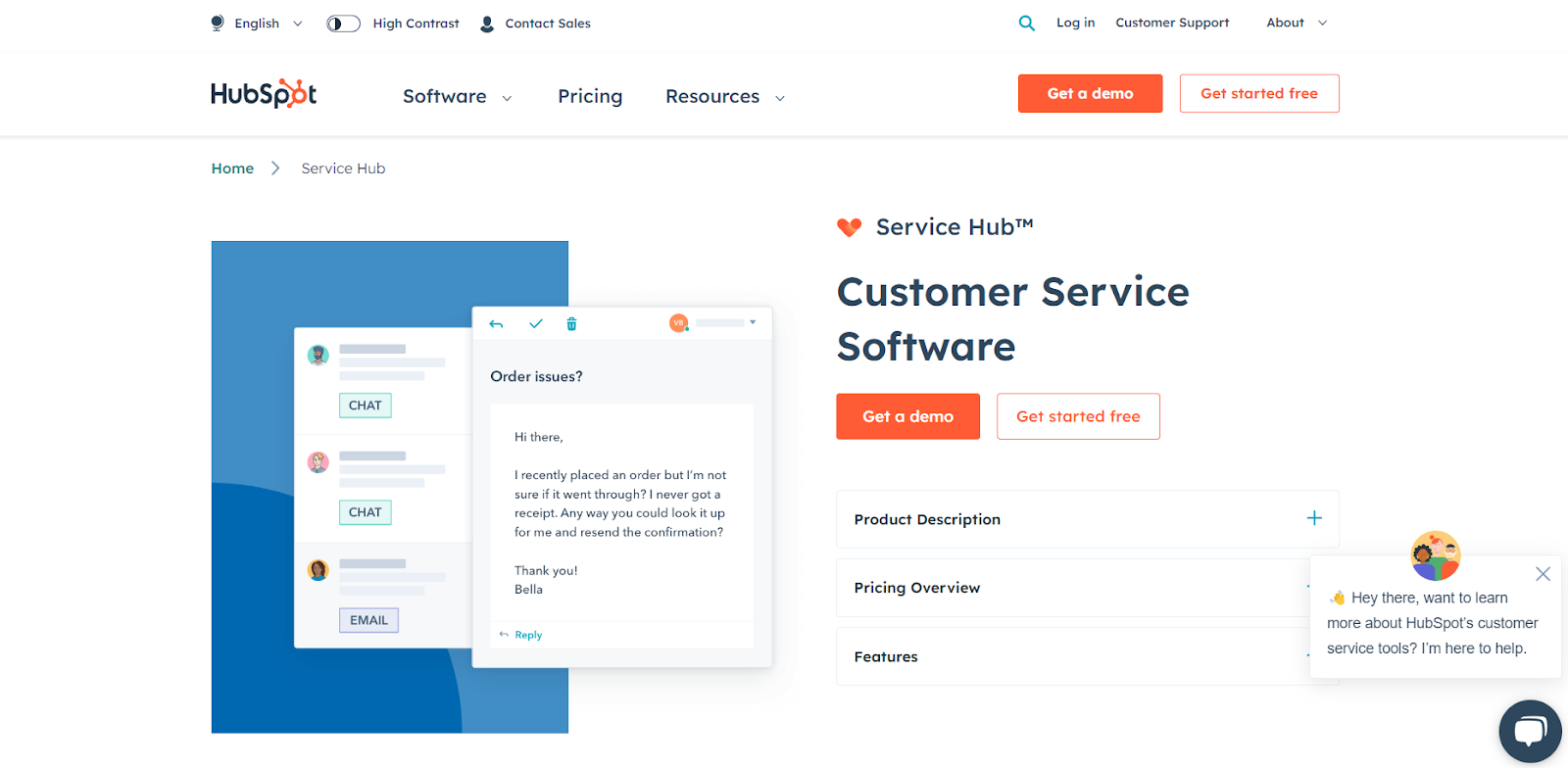
It is part of HubSpot’s complete CRM platform and integrates seamlessly with the rest of HubSpot’s suite of marketing, sales, and service software.
Key Features
- Customer Portal: Set up and configure a customer portal to enable customers to monitor what is going on with their tickets. They can use the portal to raise tickets and see how it is progressing without contacting your customer support.
- Knowledge Base: Create a knowledge base by converting FAQs into help articles, documentations, and videos. This is a great way to empower customers to self-serve and also reduce the volume of queries.
- Live Chat: Use HubSpot’s live chat to converse with your customers in real-time. There is also an automatic routing feature that can route customers to the right agents.
- Email Template Creator: Convert emails into customizable templates and share them with your team.
Pricing
HubSpot Service Hub has a two-tier pricing plan that starts at $800 per month for 3 agents.
Top Features One Must Look for in Email Support Software
Here are some of the most important features you should look for when considering an email support solution.
- Ease of Use: Look for a solution that is easy to use and has an intuitive interface. This is important to help your team use the tool effectively without having to grapple with complex workflows and terminologies.
- Automated Responses and Ticketing: Your email support tool should be able to convert queries into tickets and route them automatically to your agents. It should also offer automated responses for common queries to save your agents time and effort.
- Collaboration Tools: Ensure that the tool you choose has collaboration functionalities that allow team members to collaborate easily on customer queries.
- Knowledge Base: A knowledge base feature is essential to help customers self-serve thereby reducing the load on your customer support team.
- Customization: Your email support software should be customizable so that you can configure it according to your specific business needs.
- Performance Tracking: A robust analytics and reporting functionality is important to help you gauge actionable insights, identify bottlenecks, and make room for improvement.
- Scalability: The email support solution should be scalable and able to accommodate your needs as your business expands and support needs change.
- Customer Support: Finally, ensure that the software provider offers excellent and timely vendor support. This is essential to resolve any issues you encounter swiftly and to minimize downtime.
Wrapping up
The lack of a proficient email support services software can result in disorganized customer queries, delayed response times, and potentially lost customer interactions.
Selecting an efficient tool can counter these hurdles. If you are considering implementing an email support service software, try a platform from this list, and find the one that aligns with your specific needs. If you’re looking specifically for a Gmail-based email support software, then try Hiver free for 7 days.














