

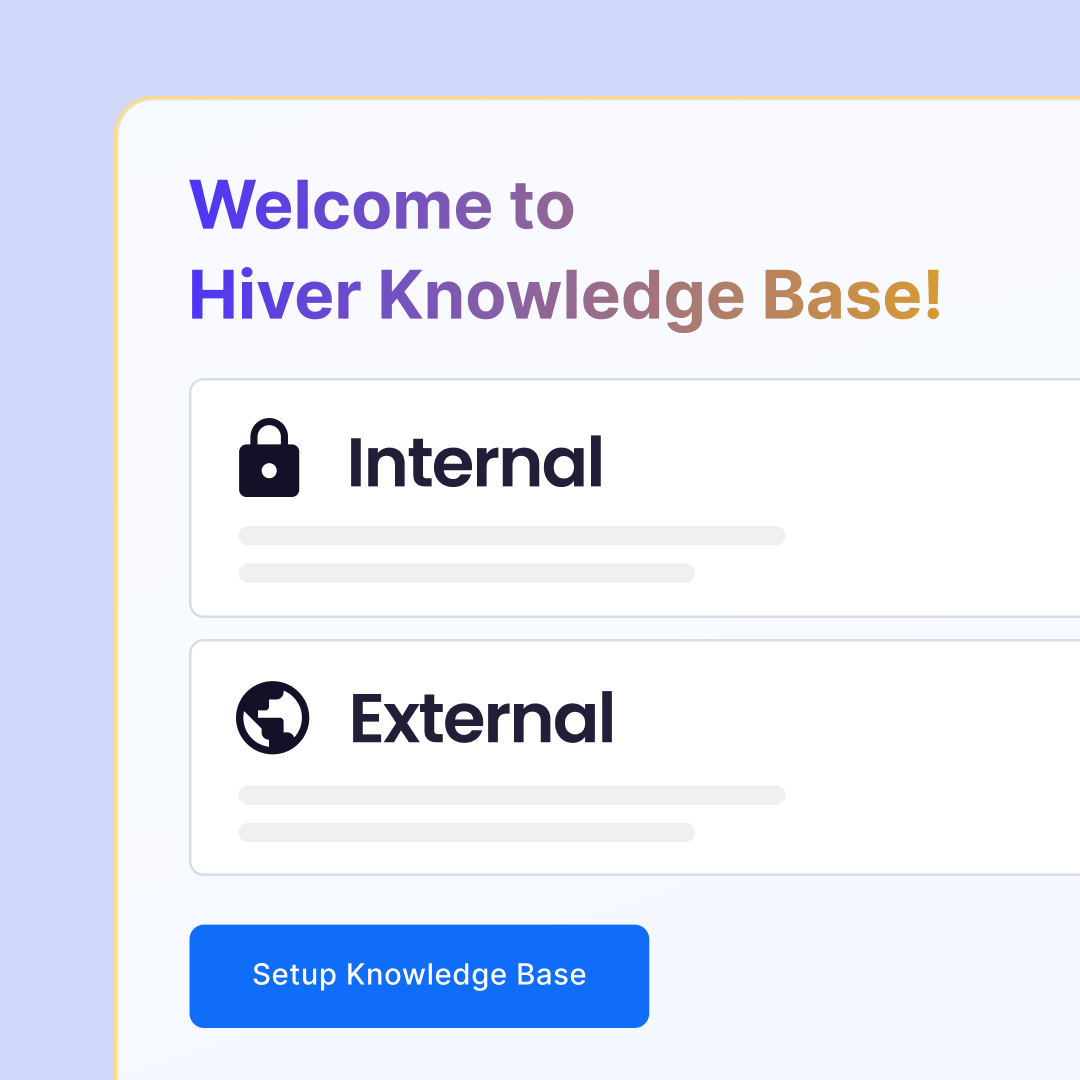
When it comes to managing information within your organization, the choice between an internal knowledge base (KB) and an external knowledge base can significantly impact your efficiency and customer satisfaction. Hiver offers robust solutions for both internal and external knowledge bases, each catering to specific needs and use cases. This blog will guide you through the key features, benefits, and practical advice on how to choose the right type of knowledge base for your business.
Table of Contents
Internal Knowledge Base
Features and benefits
Centralized hub of internal documents:
An internal knowledge base is a secure repository for your organization’s crucial documents. This includes SOPs, policy documents, training materials, and more. By centralizing this information, you ensure that your team can easily access critical documents when needed.
Selective access control:
Security is important when dealing with internal documents. Hiver’s internal knowledge base allows you to grant access only to authorized personnel through login controls, ensuring that sensitive information remains confidential.
Customizable settings:
You can tailor the internal knowledge base to align with your brand by customizing the site name, sub-domain, and even incorporating your brand’s visual elements. This creates a cohesive internal environment that reflects your company’s identity.
Use cases
- Employee onboarding: Streamline onboarding of new employees with easy access to training materials and knowledge.
- Internal processes: Keep your team informed about updated SOPs and policy changes in real-time.
- Team collaboration: Enhance collaboration by allowing team members to share knowledge and insights securely within the organization.
External Knowledge Base
Features and benefits
Easy to set up and use:
Hiver’s external knowledge base is designed for simplicity and efficiency. Creating and updating help articles is straightforward, enabling your team to keep information current and relevant.
Make knowledge base your own:
You can customize the look and feel of your external knowledge base to match your brand. This includes setting up a custom domain, adapting site settings, and adding third-party apps like chat widgets to enhance customer interactions.
Organized information:
Organize your articles under defined categories, making it easy for customers and support agents to find the information. This empowers customers to find service-related answers independently without any hassle.
Use cases
- Customer support: Provide a comprehensive library of FAQs, guides, and troubleshooting articles to assist customers 24/7.
- Product documentation: Offer detailed product documentation and updates, helping users get the most out of your products.
- Deflect repetitive queries: Empower customers to solve issues on their own, reducing support tickets and improving customer satisfaction.
How to choose between internal and external knowledge bases?
Assess your needs
- Who is your audience?
- An internal knowledge base is suitable if the primary users are internal team members.
- If you are aiming to assist customers or clients, an external knowledge base will be more helpful.
- What type of information are you sharing?
- For sensitive, confidential, or proprietary information, an internal KB ensures security and controlled access.
- For general information, product guides, and customer support, an external KB makes the information easily accessible.
What are the benefits?
- Internal KB:
- Enhanced security and control over sensitive information.
- Improved team collaboration and knowledge sharing.
- Customizable to align with internal branding and organizational needs.
- External KB:
- Improved customer satisfaction through self-service options.
- Reduced support ticket volumes.
- Easy to set up and customize.
- Eliminates the burden of mundane correspondence from customer support teams.
Implement the steps
- Identify key stakeholders: Engage with team members and customers to understand their needs and preferences.
- Set clear objectives: Define what you aim to achieve with your knowledge base, whether it’s reducing support tickets or improving internal processes.
- Customize and launch: Use Hiver’s customization options to create a knowledge base that reflects your brand and meets your specific needs.
- Monitor and update: Regularly review and update the content to ensure it remains relevant and useful. Use analytics to track usage and identify areas for improvement.
Conclusion
Choosing between an internal and external knowledge base depends on your needs and goals. Hiver provides versatile and user-friendly solutions for both, ensuring that you can efficiently manage and share information with the right audience. By carefully assessing your requirements and following best practices, you can implement a knowledge base that enhances both internal operations and customer satisfaction.
Try Hiver for free today and experience the benefits of a well-organized and easily accessible knowledge base. Empower your team, enhance customer support, and see the difference Hiver can make for your business. Start your free trial now and let your users find answers independently.














